
Cyber Touch AI App
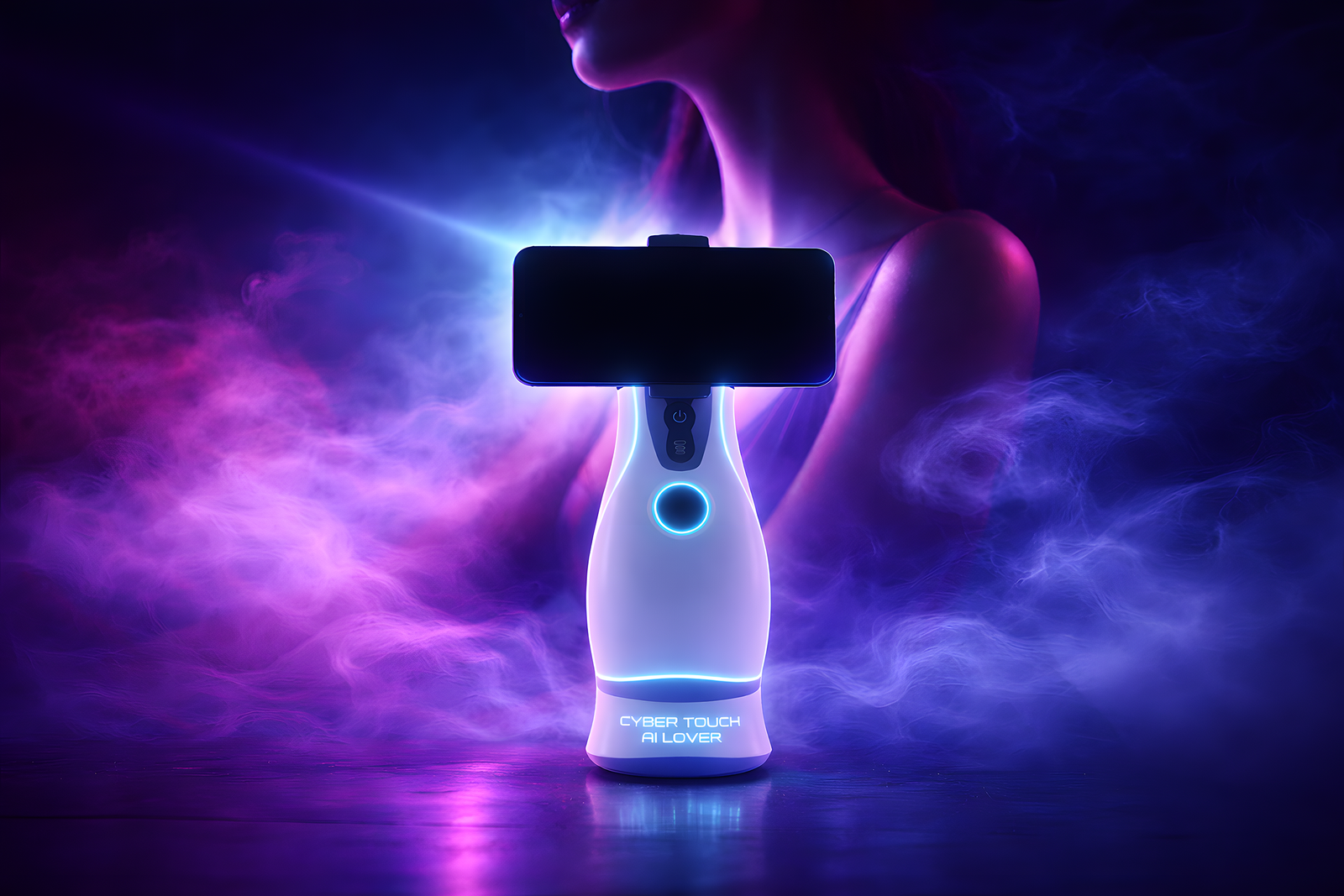
Key Features
Download the App

App Download Guide
Follow these simple steps to install our app on your device
Scan iOS QR Code and Download
Scan the iOS QR Code with your iphone, then click the link on your screen to open your browser.
Install the App
Click the “Install” button. Then you can find CTAI installed in your iphone.
System Trust Setting
Go to iOS Setting, Enter "General". Then, enter "VPN & Device Management" menu. Trust the enterprise developer. If your App can't open. Please let us know and re-download the App.
System Setting
Enable "install from unknown sources" in your Android's security settings.
Go to App Download page
Scan the QR code and click the link to enter our Android Download Page. Click "Download" the APK file.
Install the beta app
Once the download is complete, find the file by tapping the download notification that appears or opening your browser's Downloads list (e.g., in Chrome, tap the three-dot menu). Tap the downloaded APK file. Install it. Tap Install and follow any on-screen instructions to finish.
